Advanced-etl-processor
Excel Reader
Data can be extracted from the entire Sheet, Table or from the Data range.
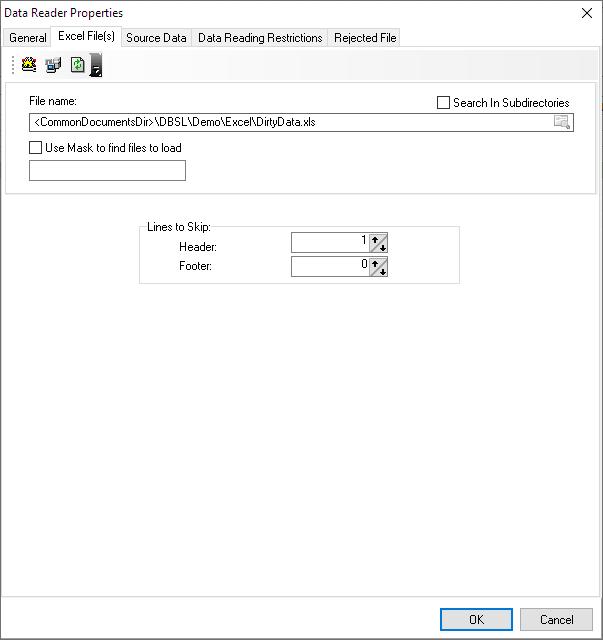
Properties
Tip: To change Reader properties double click on it.

Ignore format option
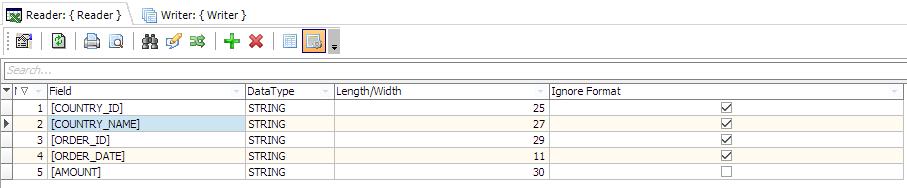
Note: Not all formats are supported
Working with Excel Tables and Ranges
To see the list of Excel Tables and Ranges click Formulas tab, then Name manager

To create a new name range click Formulas tab, Define range

To create a new table click Home tab, Format as table

Video Tutorial
We have more videos on ETL-Tools.com YouTube Channel,
Please take a look and subscribe to stay updated with the latest content.
For more technologies supported by our ETL Software see Advanced ETL Processor Versions
Confused? Ask question on our ETL Forum