Advanced-etl-processor
Text File Writer
The writer is capable of saving data into delimited or fixed-width files. All parameters are user-definable.
Properties
Tip: To change Writer properties double click on it.
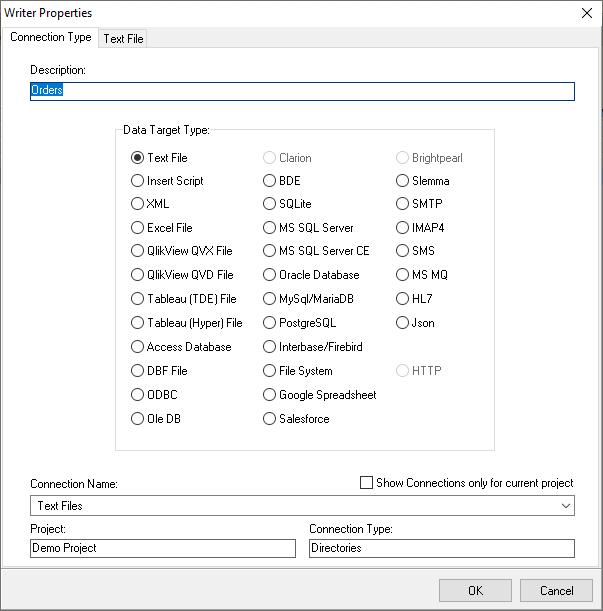
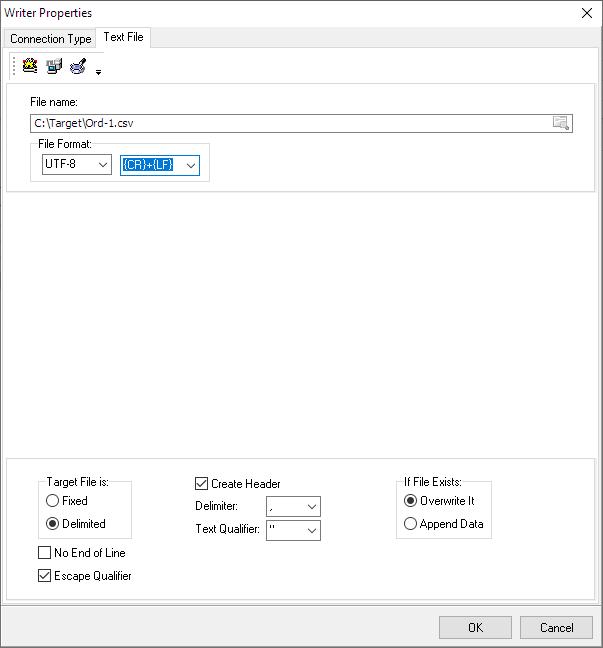
Data View
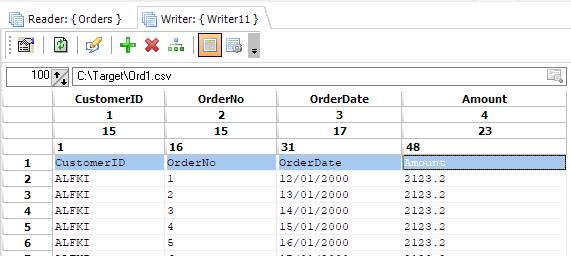
Data View Toolbar
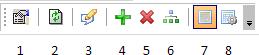
- Reader Properties
- Refresh Data
- Edit the file in an external editor
- Add a new column
- Delete the last column
- Copy field definitions
- Switch to Data View
- Switch to Data Definition View
Data Definition View

Note
You may rename fields and change the field’s width here. (Works only for text files)
Data Definition View Toolbar

- Reader Properties
- Refresh Data
- Print Data Definition
- Print Preview Data Definition
- Find
- Edit the file in an external editor
- Auto format grid
- Add a new column
- Delete the last column
- Copy field definitions
- Switch to Data View
- Switch to Data Definition View
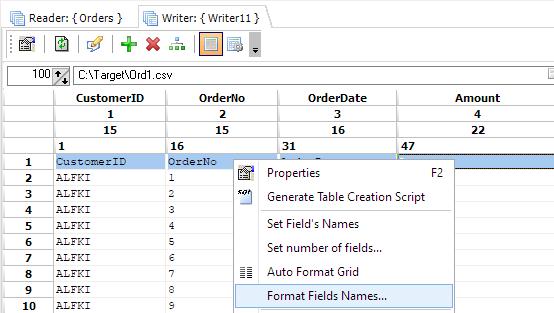
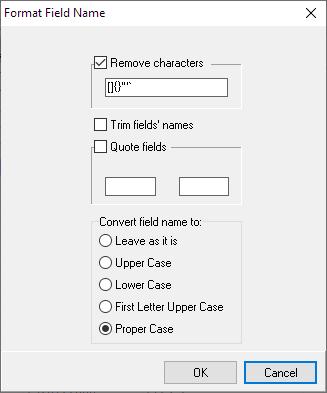
Reformating field names
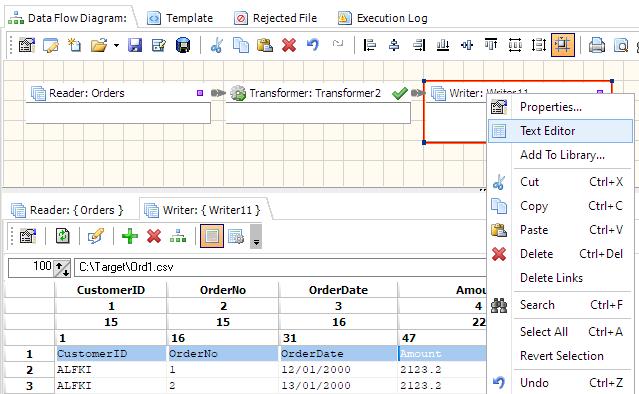
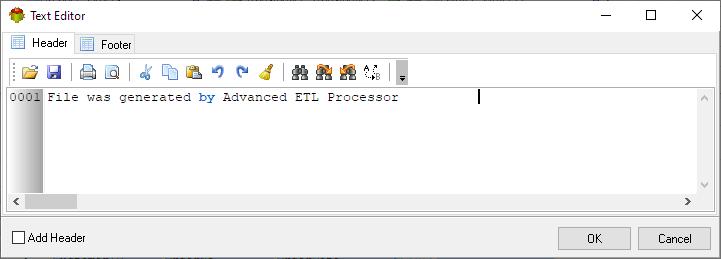
Using Header and Footer
Video Tutorial
We have more videos on ETL-Tools.com YouTube Channel,
Please take a look and subscribe to stay updated with the latest content.
For more technologies supported by our ETL Software see Advanced ETL Processor Versions
Confused? Ask question on our ETL Forum