Advanced-etl-processor
User Input
Introduction
As you’re likely aware, it isn’t possible to automate every task. In many cases, it’s necessary to interact with the user—whether by asking questions, displaying messages, or prompting for additional input. This functionality is also critical for debugging. Advanced ETL Processor offers a range of actions designed specifically for these purposes.
Examples
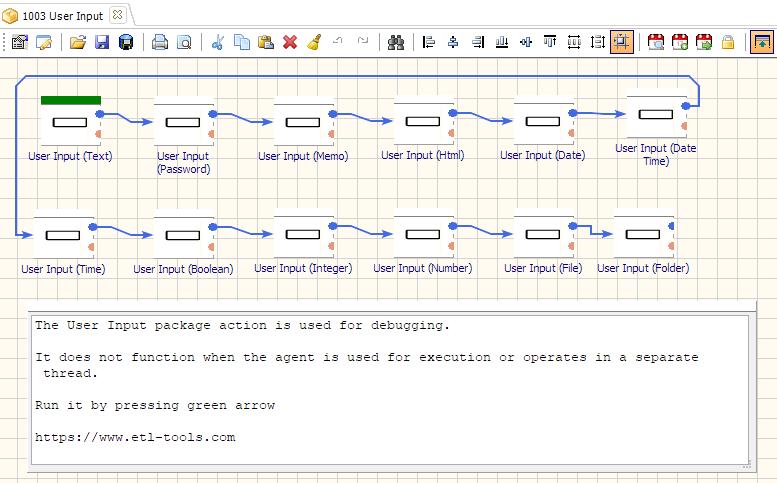
Processing User Input
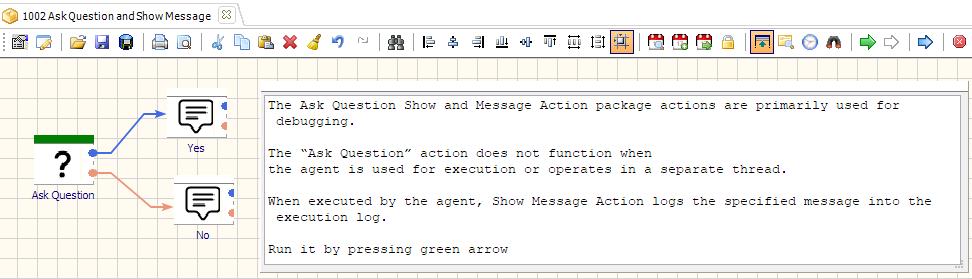
Asking User Questions and Showing Messages
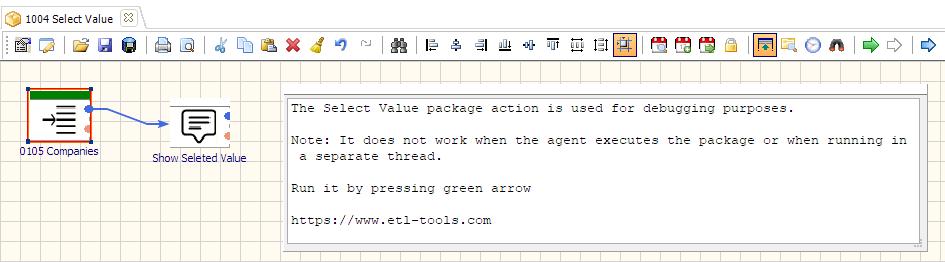
Selecting Value From The List
The Select Value Action retrieves a single value from a list and assigns it to a variable. It is mainly used for debugging purposes.
Related Actions
Useful Links
Video Tutorials
We have more videos on ETL-Tools.com YouTube Channel,
Please take a look and subscribe to stay updated with the latest content.
For more technologies supported by our ETL Software see Advanced ETL Processor Versions
Confused? Ask question on our ETL Forum