Advanced-etl-processor
HTTP Dynamic Action
About HTTP
HTTP (Hypertext Transfer Protocol) is a protocol used for transferring data over the internet. It is the foundation of the World Wide Web and facilitates communication between web browsers (clients) and web servers.
How It Works
A client (e.g., Advanced ETL Processor) sends an HTTP request to a server. The server processes the request and sends back an HTTP response, which typically includes a status code, headers, and the requested content.
Components of HTTP
URL (Uniform Resource Locator):
Specifies the location of a resource (e.g., http://example.com/index.html) .
HTTP Methods:
Define the action to be performed, such as:
- GET: Retrieve a resource.
- POST: Submit data to the server.
- PUT: Update a resource.
- DELETE: Remove a resource.
Headers:
Carry metadata about the request or response (e.g., content type, caching directives).
Body:
Contains data being sent or received (e.g., form data in a POST request).
Metadata tab
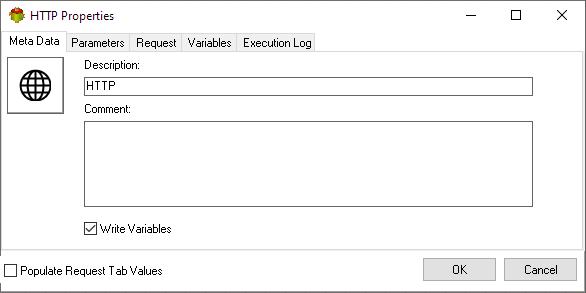
- The Write Variables option ensures that the “Package Action” logs the variable values into the “Action vars before log file” before the action is executed and logs the updated variable values into the “Action vars after log file” after the action completes.
- This option is typically used for debugging and is not recommended in a production environment.
- It can be globally disabled through the options dialog .
Parameters tab
Request tab
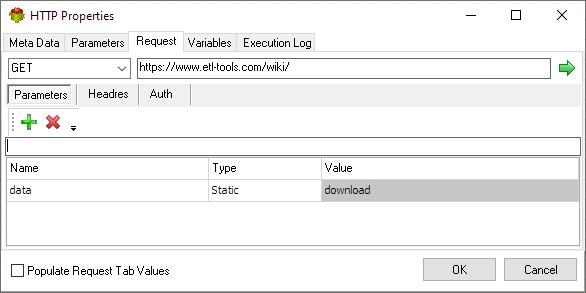
The Request tab defines the request parameters, body, headers, and authentication methods. It can also be used for debugging purposes.
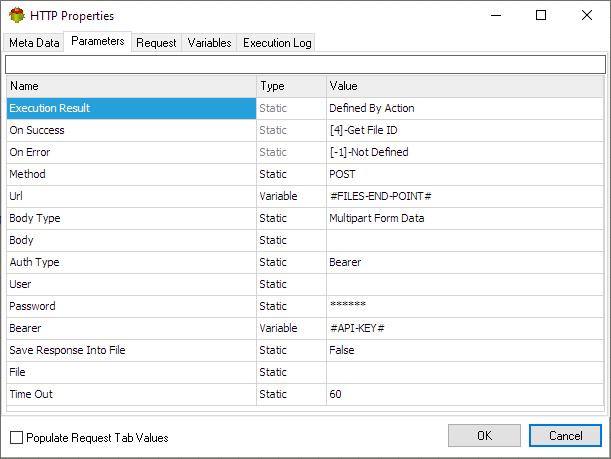
Although it is possible to set various parameters here the parameters set on the “Parameters tab” are used during package execution. (Except Url parameter, form parameters and headers)
Parameters (or url parameters)
Body
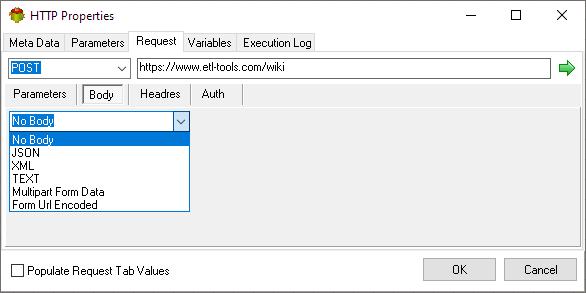
In an HTTP request, the body contains data that the client sends to the server. It is commonly used to:
- Submit form data
- Upload files
- Send JSON or XML data to APIs
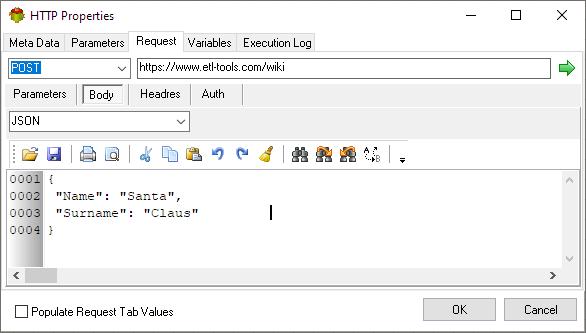
JSON/XML/TEXT
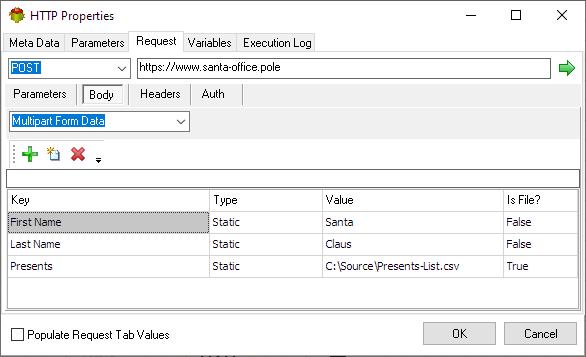
Multipart Form Data
Multipart Form Data is an encoding type used for sending form data that includes files, binary data, or text fields in an HTTP request. It is commonly used when submitting forms that contain file uploads.
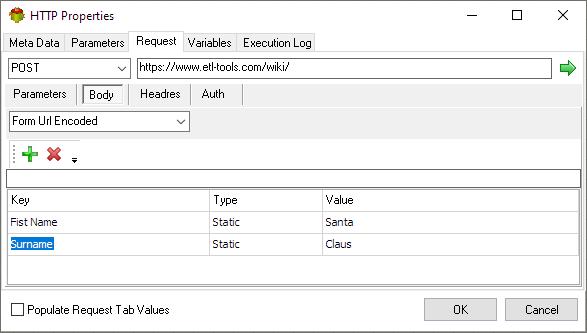
URL Form Encoded
URL Form-Encoded (also known as application/x-www-form-urlencoded) is a format for encoding form data in an HTTP request body. It is commonly used when submitting HTML forms or sending key-value pairs in an HTTP request.
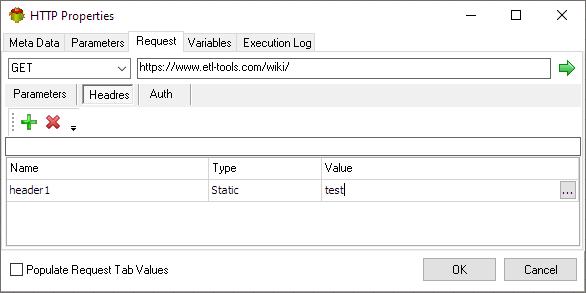
Headers
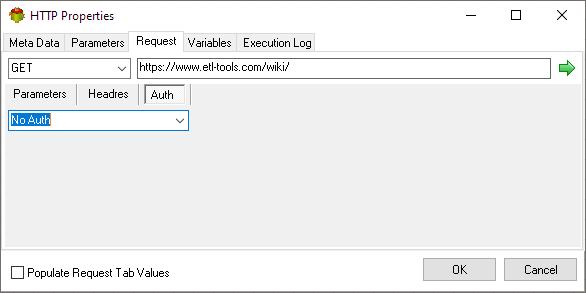
Authentication
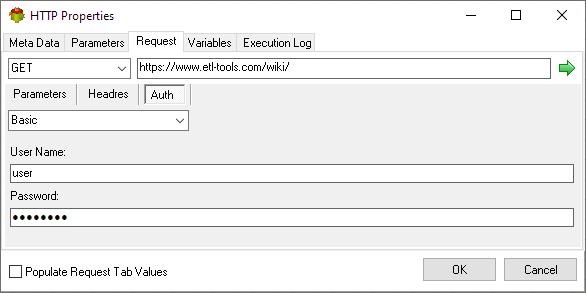
Basic Authentication
HTTP Basic Authentication is a simple authentication method where the client provides a username and password in the request header to access protected resources.
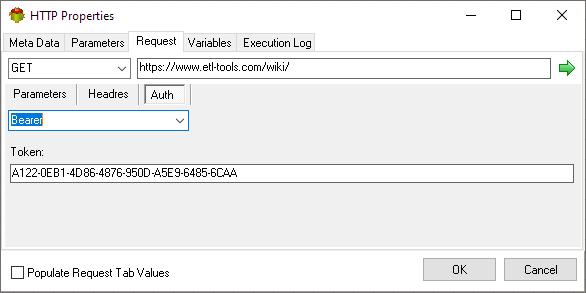
Bearer Authentication
HTTP Bearer Authentication is an authentication mechanism in which the client provides a Bearer Token as a means to authenticate and authorize access to protected resources. It is commonly used in token-based authentication systems, such as OAuth 2.0.
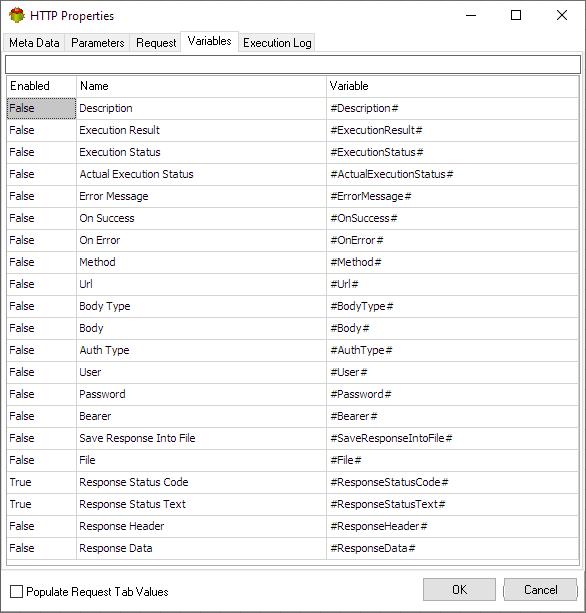
Variables tab
The Variables tab defines which variables are updated during the execution of the action.
Execution log tab
The Execution Log tab is populated after the action has been executed. Double-click a row to view the detailed execution log.
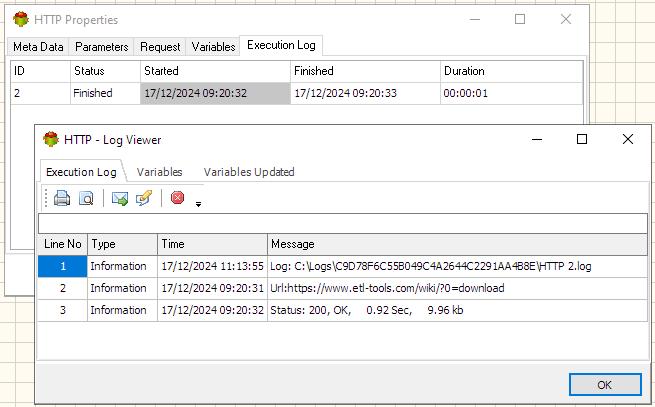
Debugging HTTP Requests
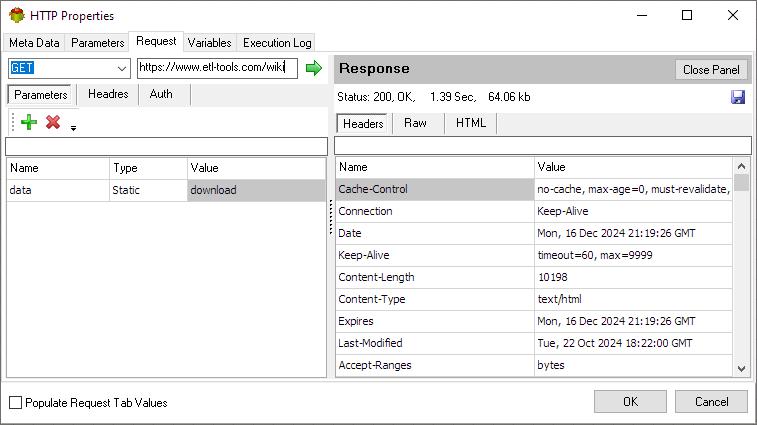
Press Run (Green arrow) to submit HTTP Request
Response Headers
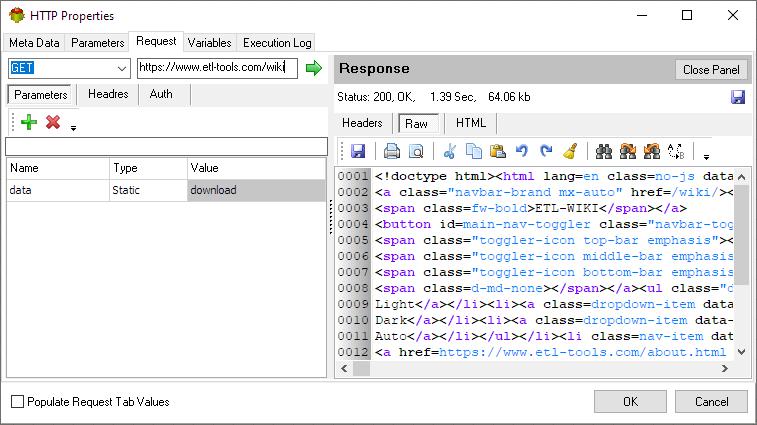
Raw Response
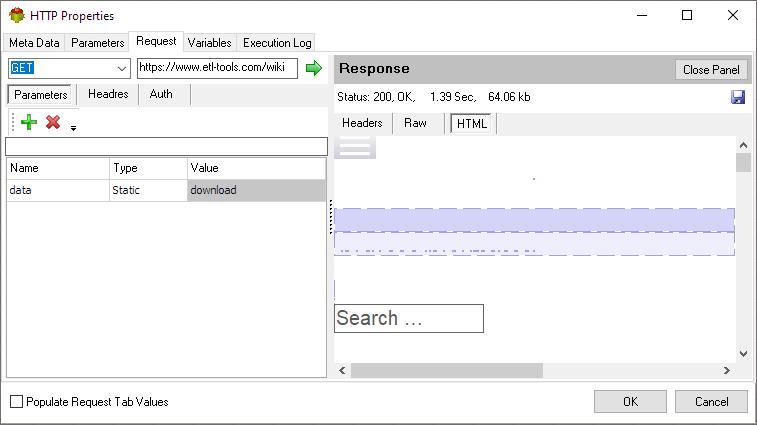
HTML Response
Calculated Url Name example
This example demonstrates downloading today sales
Pascal
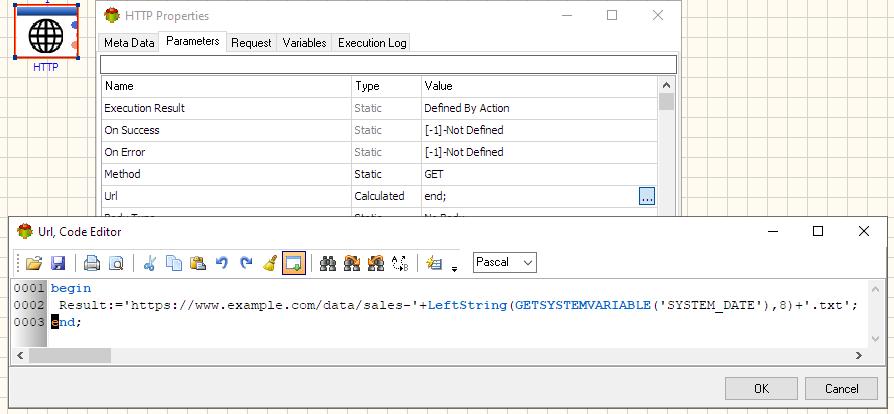
begin
 Result:='https://www.example.com/data/sales-'+LeftString(GETSYSTEMVARIABLE('SYSTEM_DATE'),8)+'.txt';
end;
Python
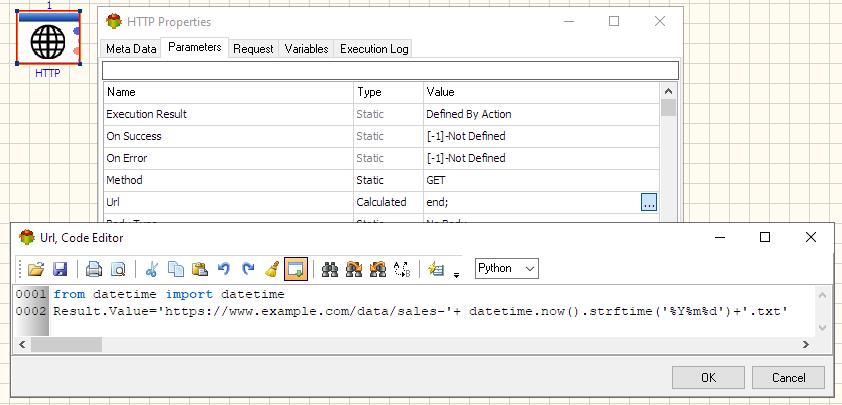
from datetime import datetime
Result.Value='https://www.example.com/data/sales-'+ datetime.now().strftime('%Y%m%d')+'.txt'
Useful Links
Video Tutorials
For more technologies supported by our ETL Software see Advanced ETL Processor Versions
Confused? Ask question on our ETL Forum