Advanced-etl-processor
Ftp Move Files Dynamic Action
About
The FTP Move Files Action is an essential functionality that facilitates the relocation of files from one directory to another on an FTP (File Transfer Protocol) or SFTP (Secure File Transfer Protocol) server. This action streamlines the file management process by enabling users to efficiently reorganize files without needing to download them to a local machine first. By automating file movements, this action enhances workflow efficiency and reduces the potential for errors associated with manual file handling.
Metadata tab
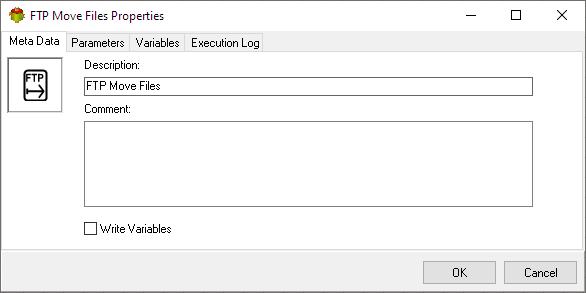
- The Write Variables option ensures that the “Package Action” logs the variable values into the “Action vars before log file” before the action is executed and logs the updated variable values into the “Action vars after log file” after the action completes.
- This option is typically used for debugging and is not recommended in a production environment.
- It can be globally disabled through the options dialog .
Parameters tab
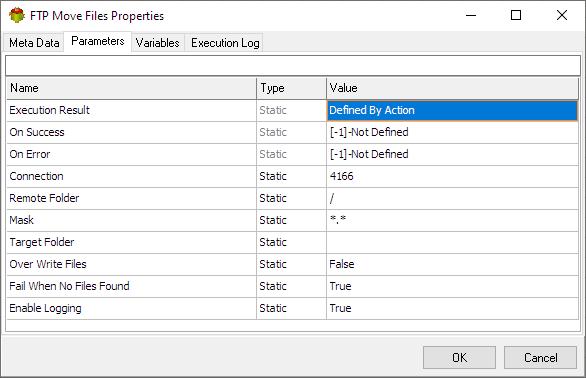
Connection Parameter
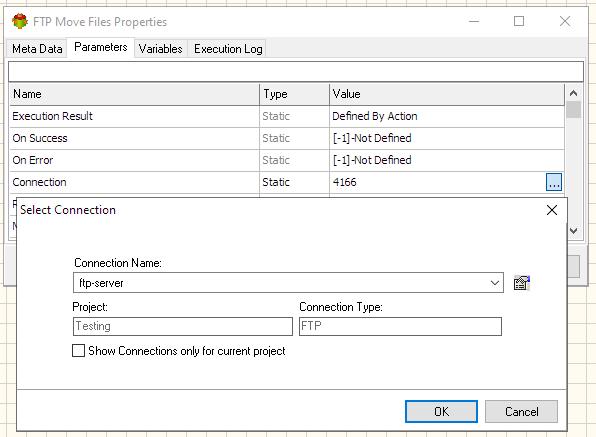
Selecting Remote Directory
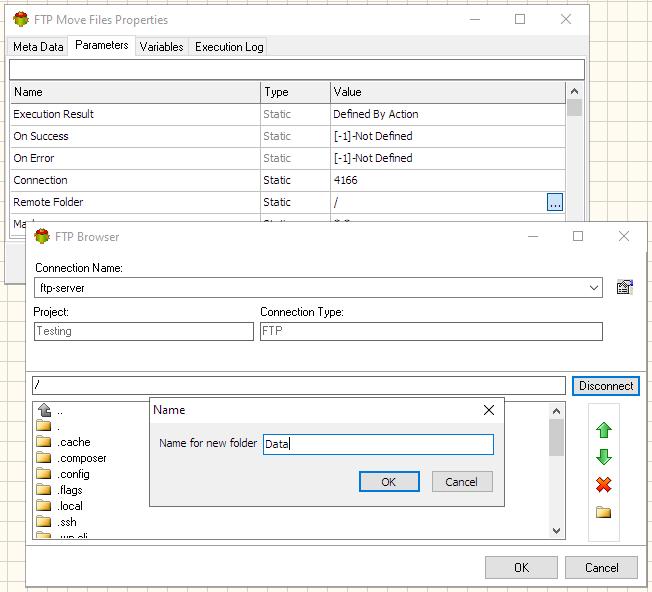
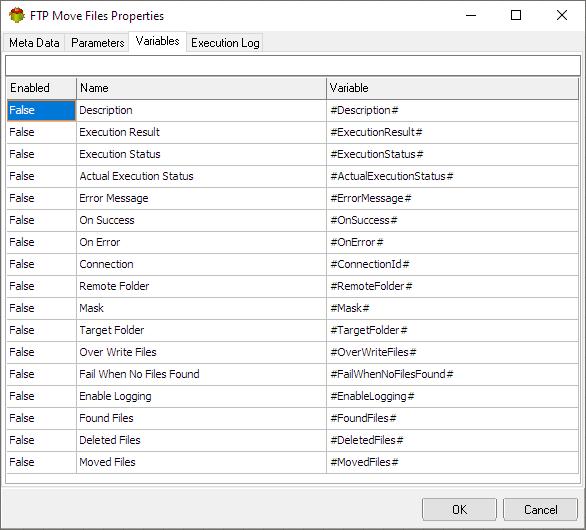
Variables tab
The Variables tab defines which variables are updated during the execution of the action.
Execution log tab
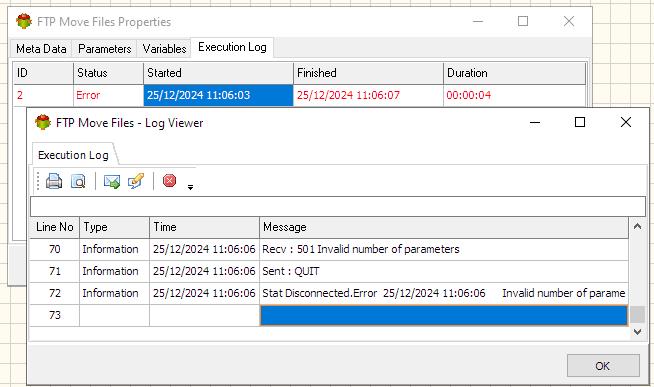
The Execution Log tab is populated after the action has been executed. Double-click a row to view the detailed execution log.
Related Actions
- Ftp Download Action
- Ftp Upload Action
- Ftp Create Folder Action
- Ftp Delete Folder Action
- Ftp Delete Files Action
- Ftp Rename File Action
- Ftp Files List Action
- Ftp Move Files Action
Useful Links
Video Tutorial
For more technologies supported by our ETL Software see Advanced ETL Processor Versions
Confused? Ask question on our ETL Forum