Advanced-etl-processor
Encode BASE 64 Dynamic Action
About
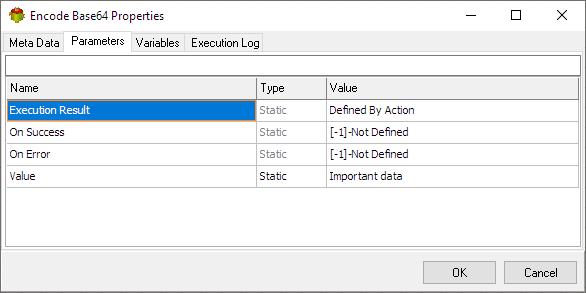
The Encode BASE 64 Action converts string into BASE 64 format
Base64 encoding is a way to convert binary data (like images, audio, or even executable code) into a text-based format. This is particularly useful when you need to transmit data over channels that primarily support text, such as email or when including data within web pages.
Here’s how it works:
-
Binary to Text: Base64 takes your binary data and translates it into a string of ASCII characters. These characters are limited to a set of 64 characters (hence the name “Base64”), including uppercase and lowercase letters, numbers, and a few symbols.
-
Why 64 Characters? Using 64 characters allows Base64 to represent 6 bits of binary data with each character. This is efficient because 3 bytes (24 bits) of binary data can be represented by 4 Base64 characters (4 x 6 bits = 24 bits).
-
Padding: Sometimes, the original binary data doesn’t perfectly align with the 6-bit chunks. In these cases, padding characters (usually
=) are added to the end of the Base64 string to ensure it’s a multiple of 4 characters.
Common Uses:
- Email: Base64 is used to encode email attachments so they can be transmitted as text.
- Web Pages: You might see Base64 used to embed images or other data directly within HTML or CSS code.
- Data Storage: Some systems use Base64 to store binary data in text-based formats like XML.
Important Notes:
- Not Encryption: Base64 is not a form of encryption. It’s simply a way to represent binary data in text. Anyone can decode a Base64 string back to the original binary data.
- Size Increase: Base64 encoding increases the size of the data by roughly 33%. This is because you’re representing 3 bytes of data with 4 characters.
Metadata tab
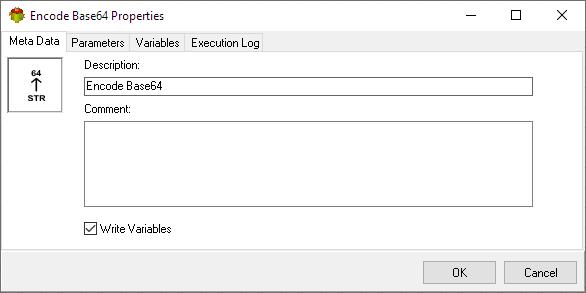
- The Write Variables option ensures that the “Package Action” logs the variable values into the “Action vars before log file” before the action is executed and logs the updated variable values into the “Action vars after log file” after the action completes.
- This option is typically used for debugging and is not recommended in a production environment.
- It can be globally disabled through the options dialog .
Parameters tab
Variables tab
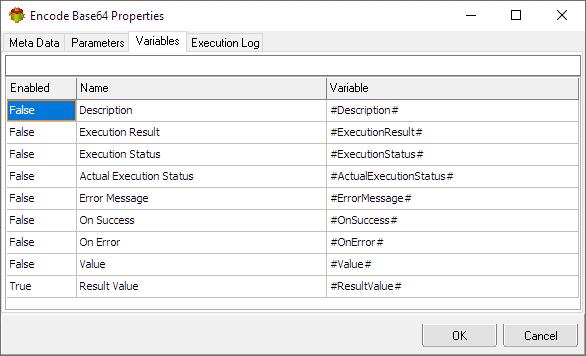
The Variables tab defines which variables are updated during the execution of the action.
Execution log tab
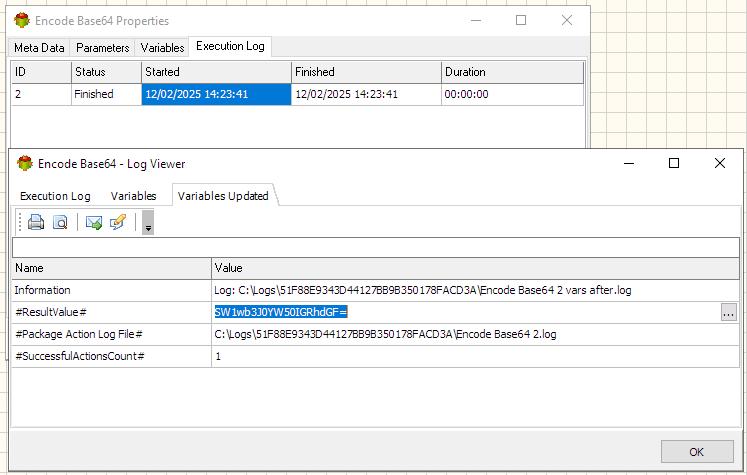
The Execution Log tab is populated after the action has been executed. Double-click a row to view the detailed execution log.
Related Actions
- Json Object Loop Action
- Json Array Loop Action
- Escape String Action
- UnEscape String Action
- Json To String Action
- Get JSON Object Property
- Set JSON Object Property
- Decode BASE 64 Dynamic Action
- Encode BASE 64 Dynamic Action
Useful Links
For more technologies supported by our ETL Software see Advanced ETL Processor Versions
Confused? Ask question on our ETL Forum