Advanced-etl-processor
Case Dynamic Action
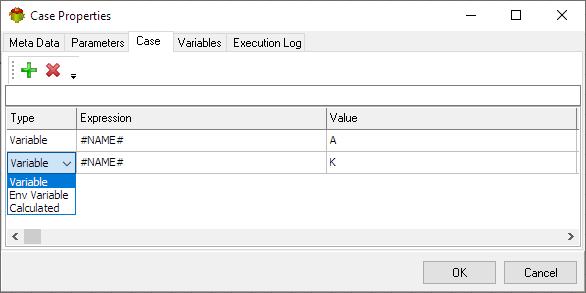
Case package action provides a convenient way of executing different actions depending on a value.
Metadata tab
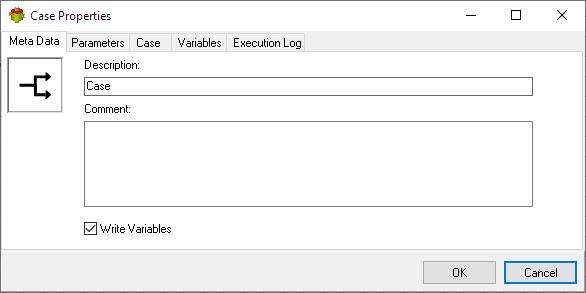
- The Write Variables option ensures that the “Package Action” logs the variable values into the “Action vars before log file” before the action is executed and logs the updated variable values into the “Action vars after log file” after the action completes.
- This option is typically used for debugging and is not recommended in a production environment.
- It can be globally disabled through the options dialog .
Parameters tab
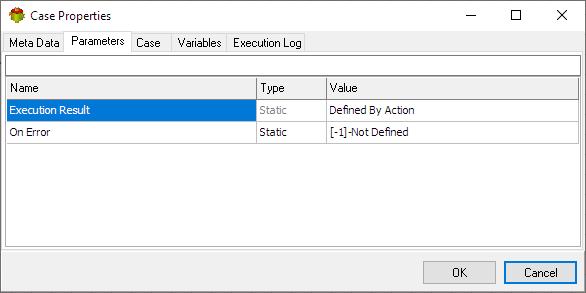
Case tab
Variables tab
The Variables tab defines which variables are updated during the execution of the action.
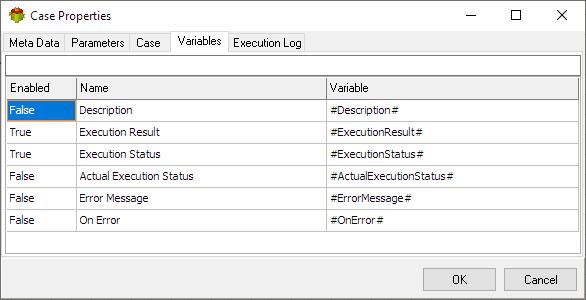
Tip: Double-click a variable name to enable or disable it.it
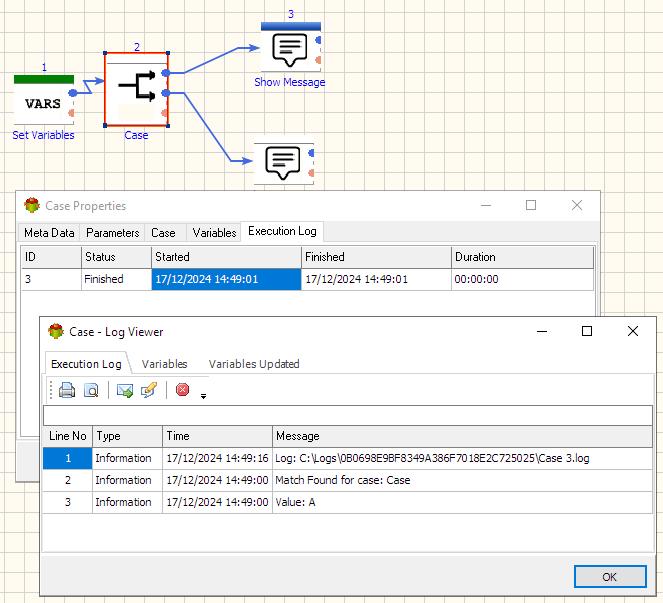
Execution log tab
The Execution Log tab is populated after the action has been executed. Double-click a row to view the detailed execution log.
Useful Links
Video Tutorial
We have more videos on ETL-Tools.com YouTube Channel,
Please take a look and subscribe to stay updated with the latest content.
For more technologies supported by our ETL Software see Advanced ETL Processor Versions
Confused? Ask question on our ETL Forum