Advanced-etl-processor
Loading data from an ODBC Data Source
Data mapping for ODBC is very similar to the
Loading data from a Flat File(s)
- Click Data Source Option Button.

- Dialog box will appear.
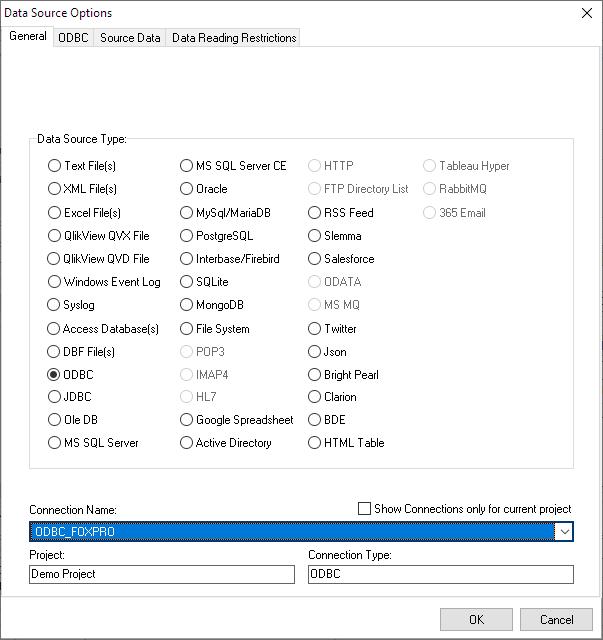
- Set Data Source Type to ‘ODBC’.
- Select ODBC DSN from the Drop Down List or alternatively create a new ODBC DSN or modify the old one by using ODBC administrator.

- Fill in Username and Password if required.
- Click Update Tables List.
- Specify tables you want to load data from or alternatively type mask to find tables automatically every time you import data.
- Click OK.

- Select a table you want to see from the drop-down box.
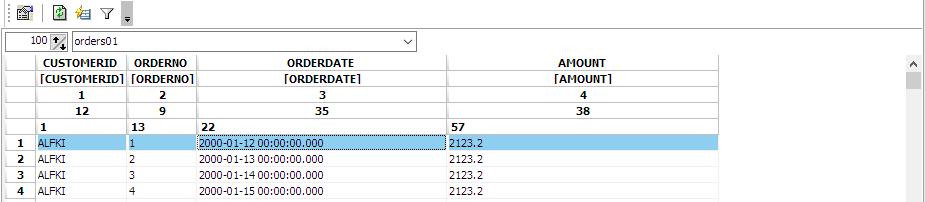
- Map fields
List of ODBC Drivers Download Links
For more technologies supported by our ETL Software see Advanced ETL Processor Versions
Confused? Ask question on our ETL Forum