Advanced-etl-processor
POP3 Connection
About POP3
POP3 (Post Office Protocol 3) is the most recent version of a standard protocol for receiving e-mail. POP3 is a client/server protocol in which e-mail is received and held for you by your Internet server. Periodically, you (or your client e-mail receiver) check your mail-box on the server and download any mail, probably using POP3. This standard protocol is built into most popular e-mail products, such as Thunderbird and Microsoft Outlook.
POP3 is designed to delete mail on the server as soon as the user has downloaded it. However, some implementations allow users or an administrator to specify that mail be saved for some period of time. POP can be thought of as a “store-and-forward” service.
Connection
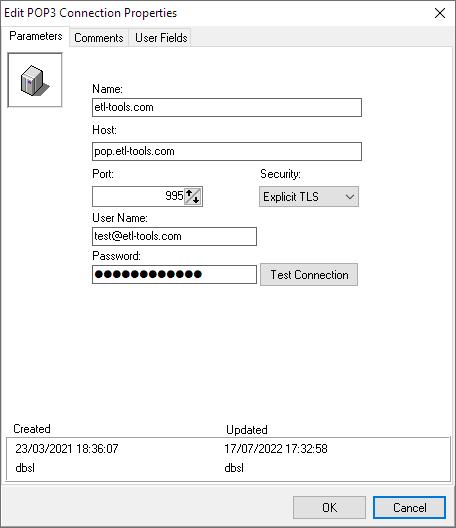
Creating New Connection
- In the Name Text Box type in a new name for the POP3 connection you are about to create
- Fill in host name
- Select TCP/IP port (default is 110)
- Type in user name and password
- Click OK to close the POP3 connection properties window
Comments
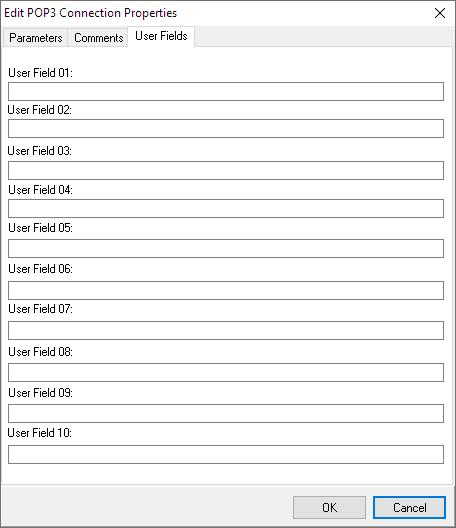
User fields
Used by
For more technologies supported by our ETL Software see Advanced ETL Processor Versions
Confused? Ask question on our ETL Forum