Active-table-editor
Active Table Editor Options and Global Variables
Changing Active Table Editor Settings
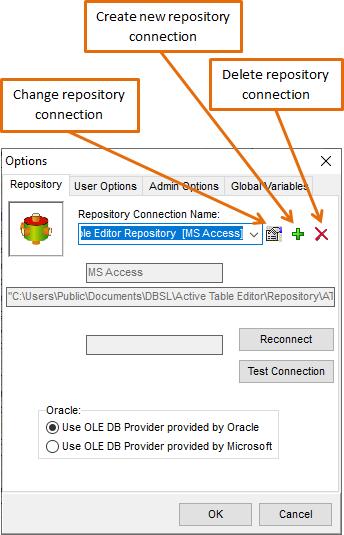
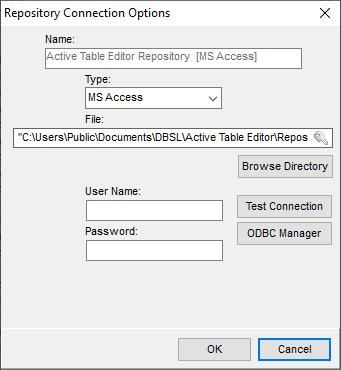
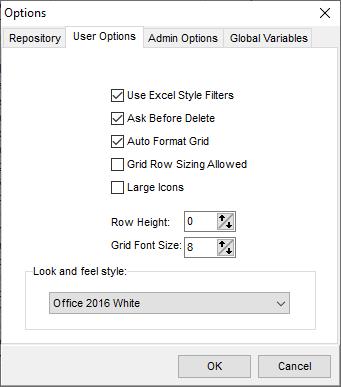
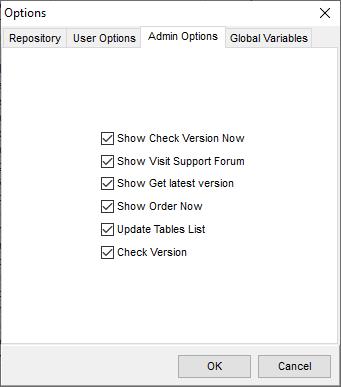
- Click System Menu-> File-> Options
- Dialog box will appear
Global Variables
Global Variables are used to replace Variable with Value, for example before input form is shown to the user <CustomerId> will be replaced with 1
EG
Select * from Customers where CustomerId = <CustomerId>Is changed to
Select * from Customers where CustomerId = 1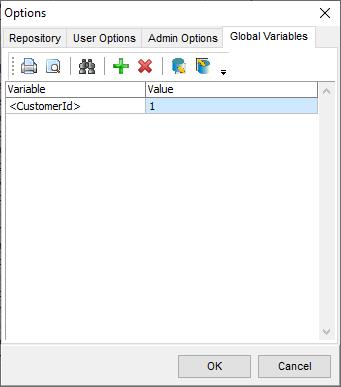
Predefined variables
<ATEUserName><username>OS user name<computername><datetime><CurrentDateTime><CurrentDate>
Note: Works only with input forms SQL.
Confused? Ask question on our ETL Forum