Deep-bin
Select Form Object
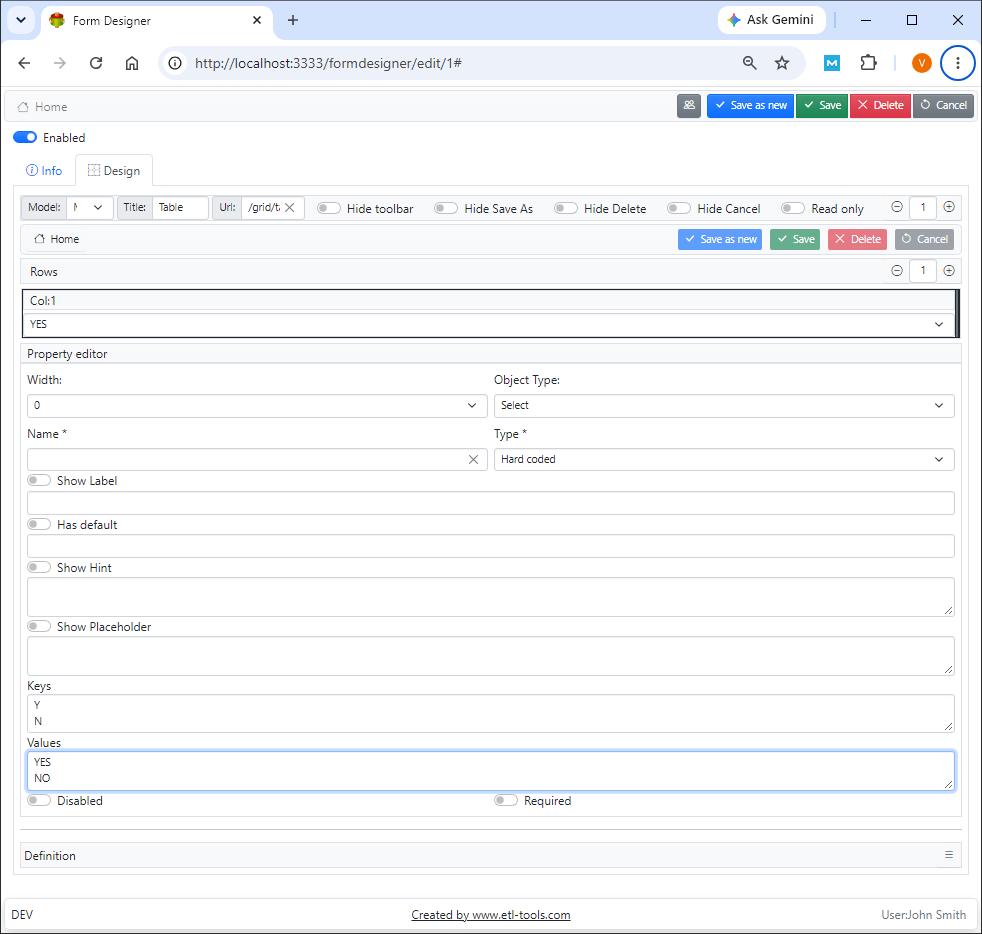
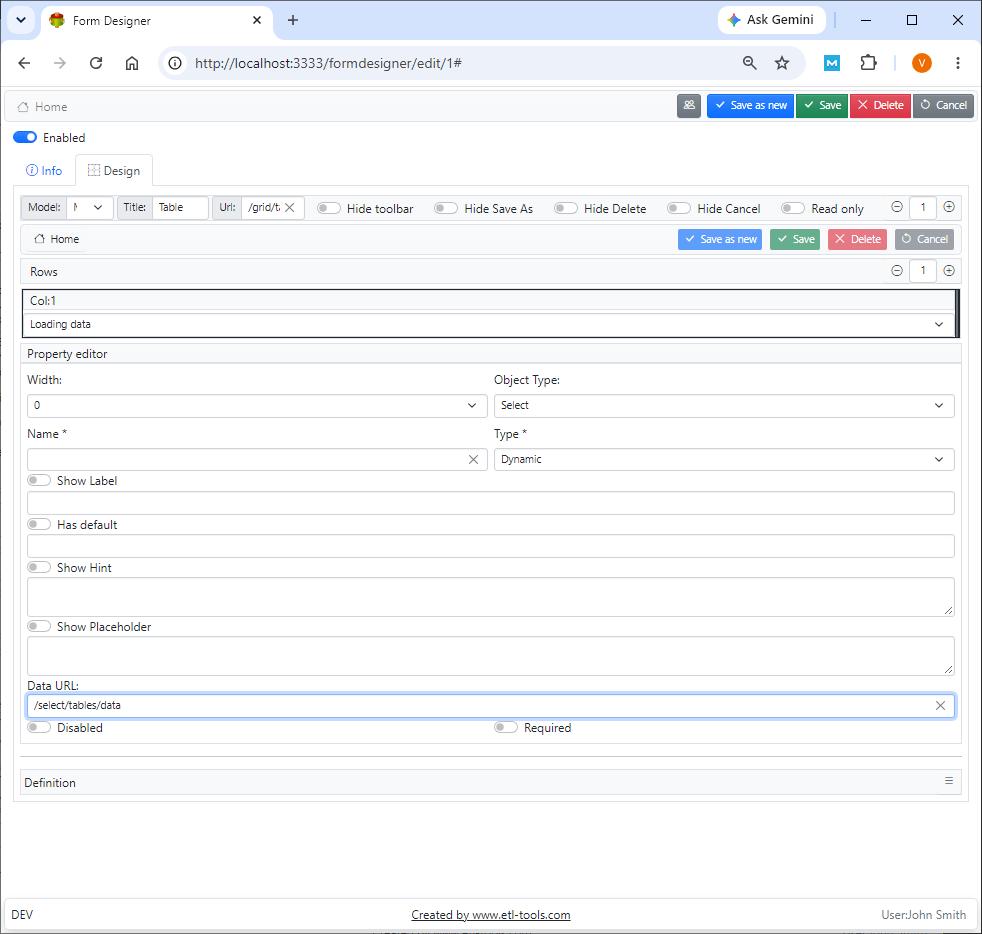
The select provides a flexible way of selecting a single option from the list of values. The list of select options can be Hardcoded or Dynamic (based on the SQL select statement)
Select example

Select designer
Hardcoded Select
Dynamic Select
Name
Model field name
Type
Select type
Label
The label is shown next to the Select.
Show hint
The hint is shown when the mouse cursor is held above the check box
Show placeholder
The placeholder is shown inside the select when the input is empty
Disabled
Makes select read-only
Required
Makes select mandatory
Confused? Ask question on our ETL-Tools Support Forum