Deep-bin
Deep Bin Grids
Grids provide a flexible way of presenting the data. The list of fields is fully customisable. The users can easily add new fields, rename existing ones, change sorting order and apply filters. It is also possible to page data, show first N records or show all data.
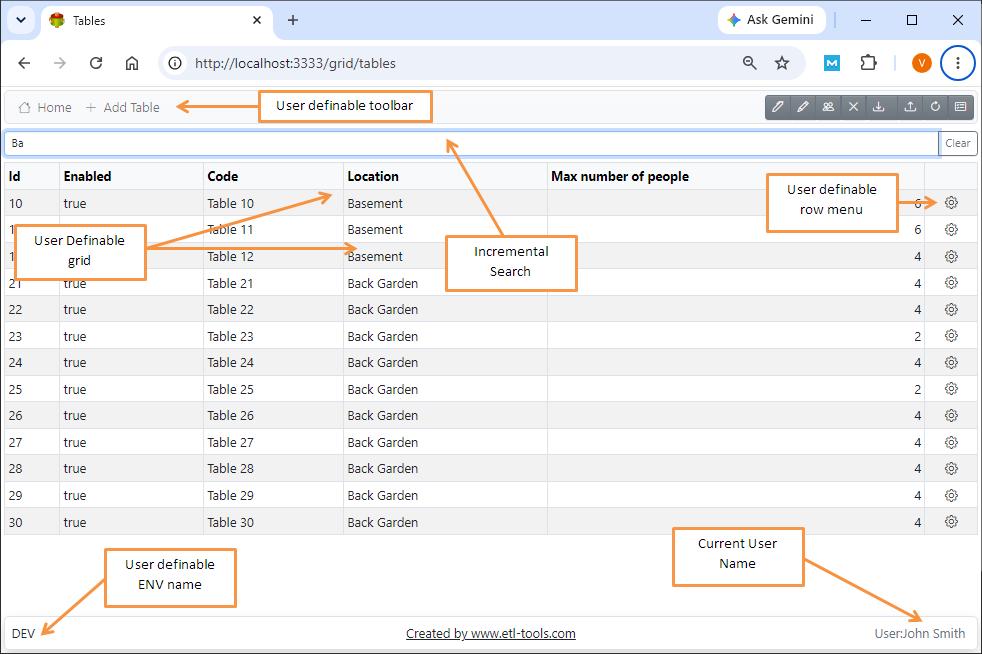
Creating New Grid
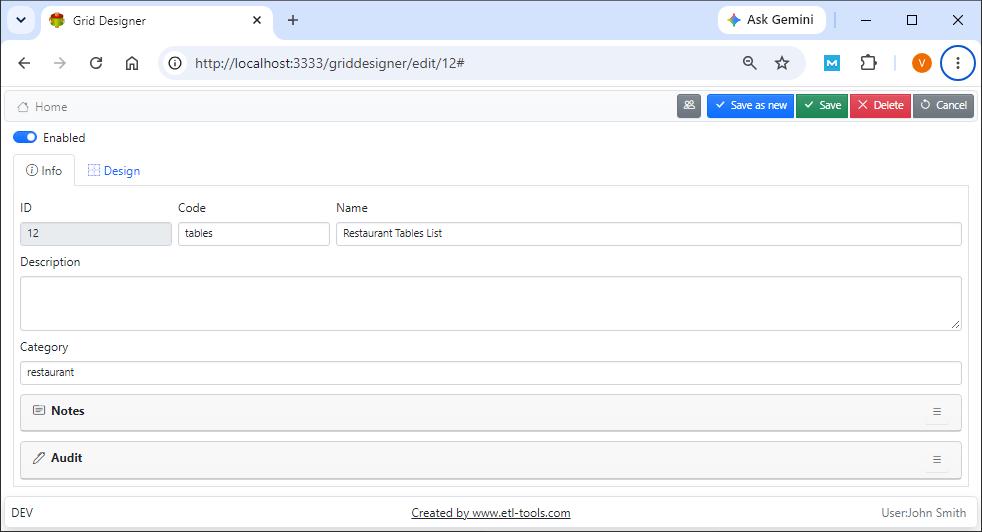
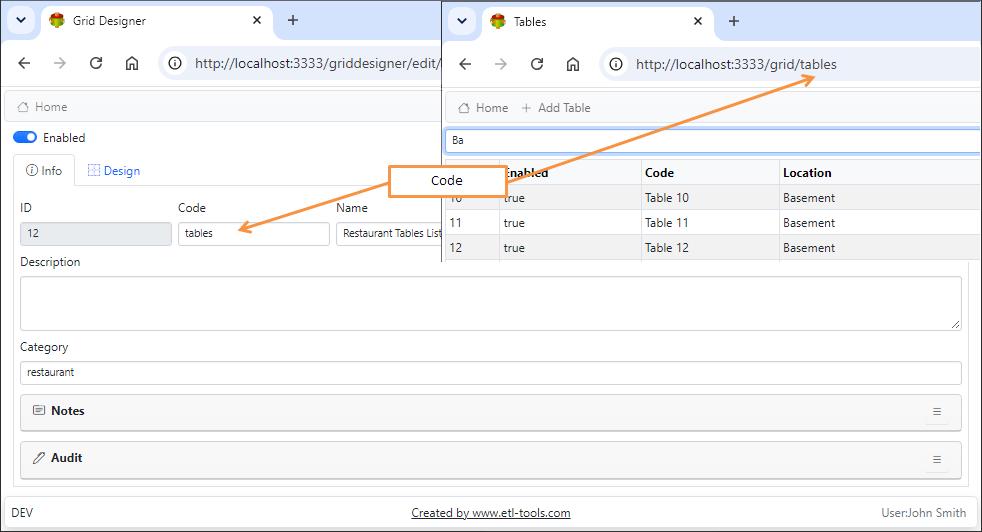
Grid Designer
Model
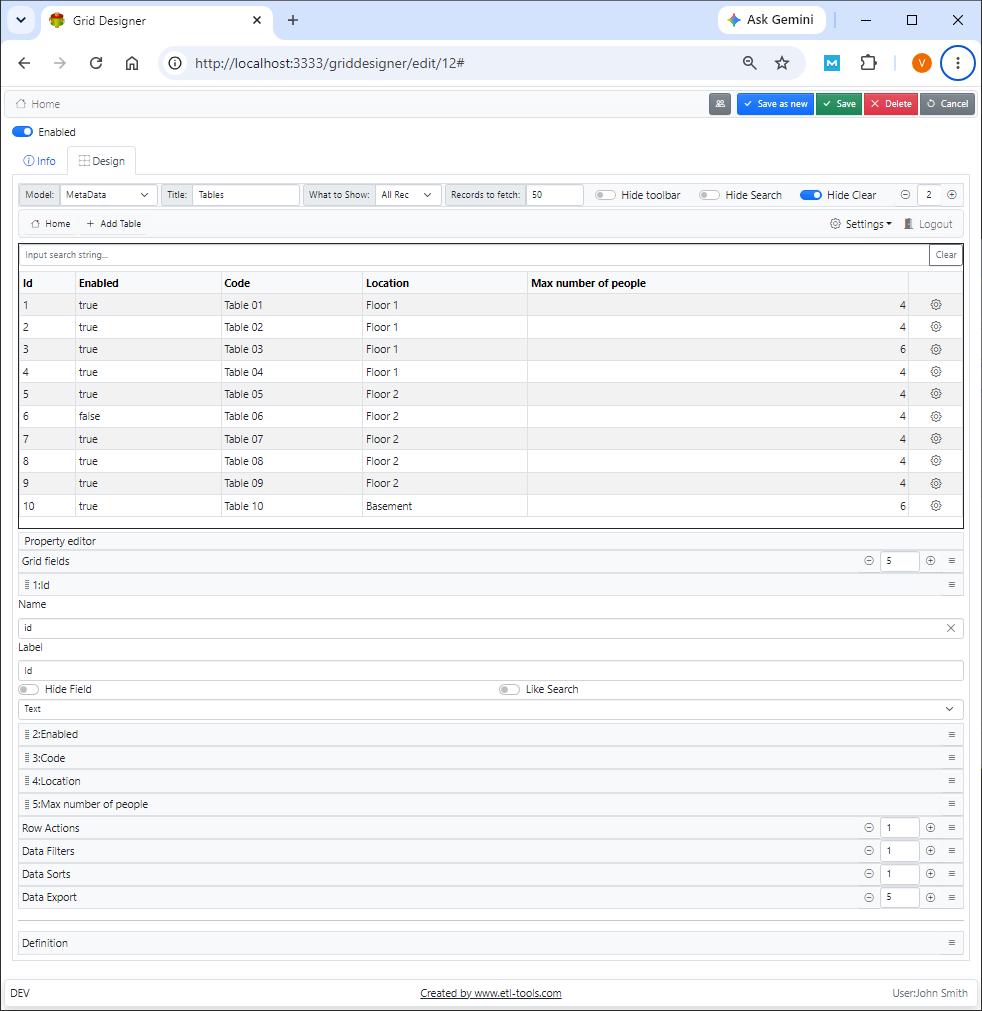
Mode is an object representation of a database table. The models are designed to give maximum flexibility to the user. They are able to store almost any data. Every grid is based on a single model
Title
Web page title
What to show
Possible options are:
- All Records
- First N Records
- All Records with paging
Hide toolbar
The toolbar provides a convenient way of accessing Deep bin components
Hide search
Hide search box at the top of the screen
Hide clear
This option allows the user to delete all data from the grid
Grid Fields
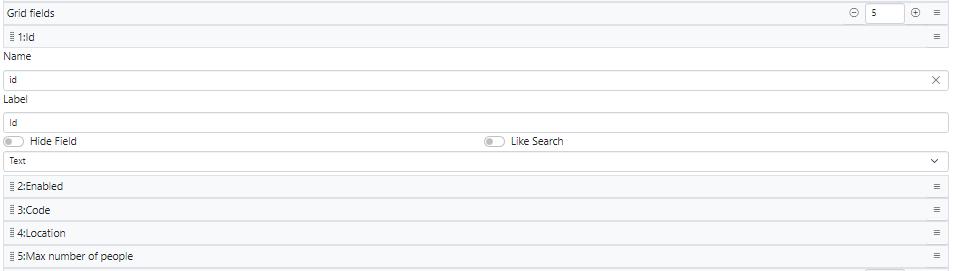
Name of the model field\
Data model field label
Use drug and drop to rearrange fields
Row actions
Row actions are usually linked to the data entry forms. It is possible to have multiple actions. The first action is used as the default action.
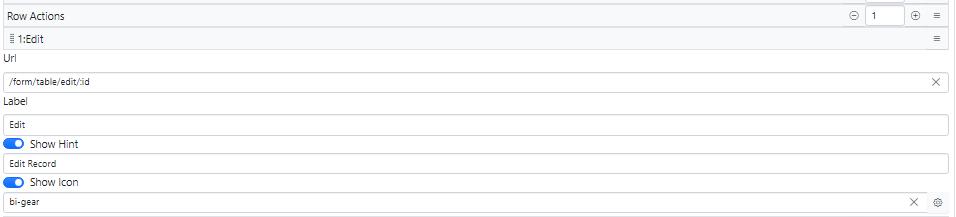
:id is used to pass the record id to the data entry form.
Data filters
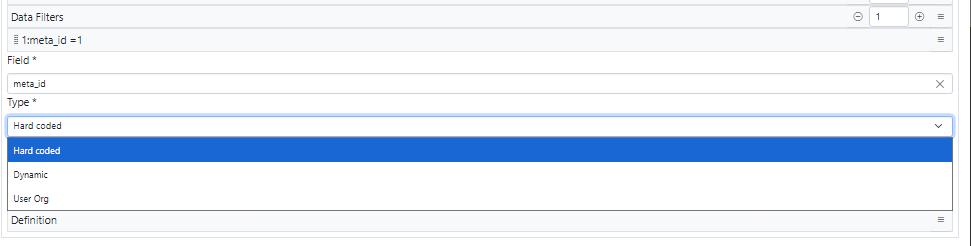
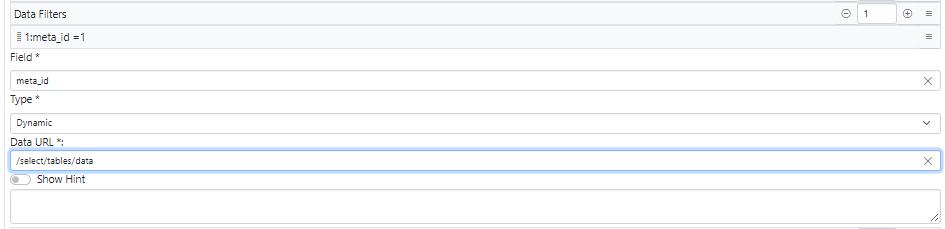
- When multiple filters are defined they are “anded”.
- Dynamic filters are shown on the top
Example
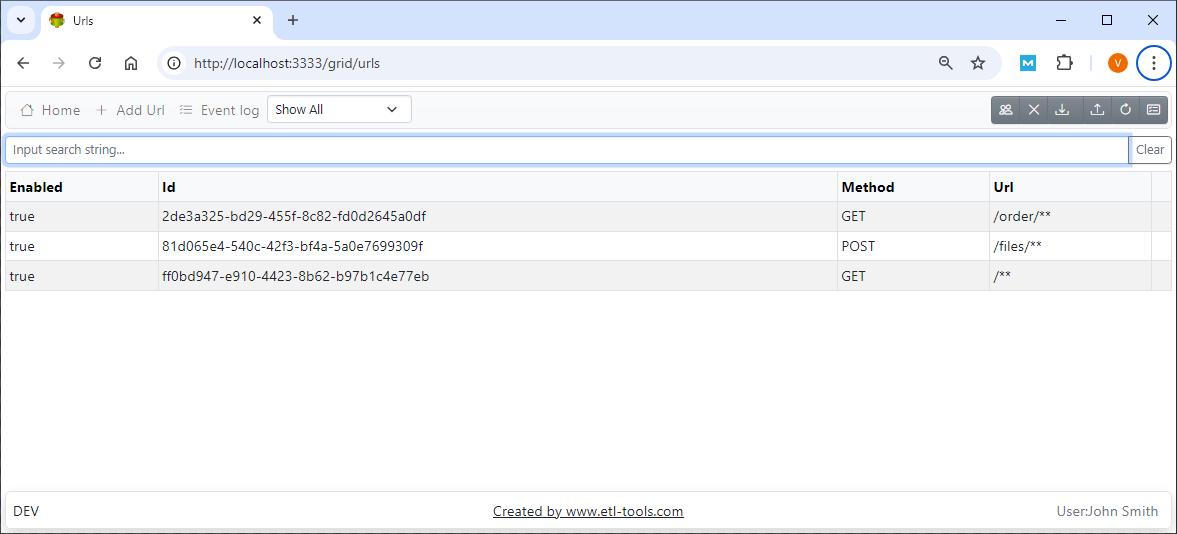
Data sorts
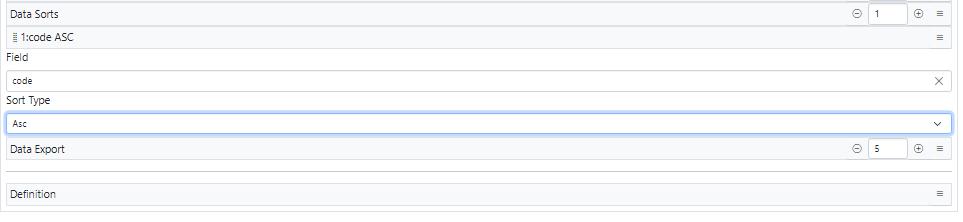
The sorts are applied in order of definition
Data export
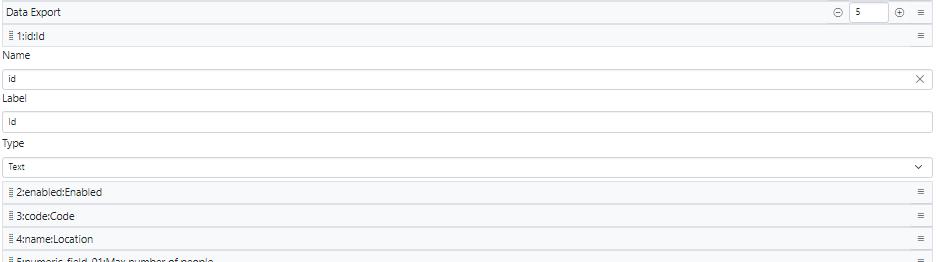
Defines Export to excel format
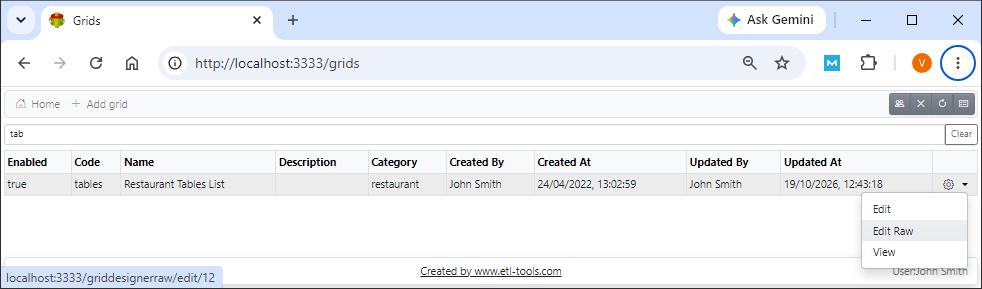
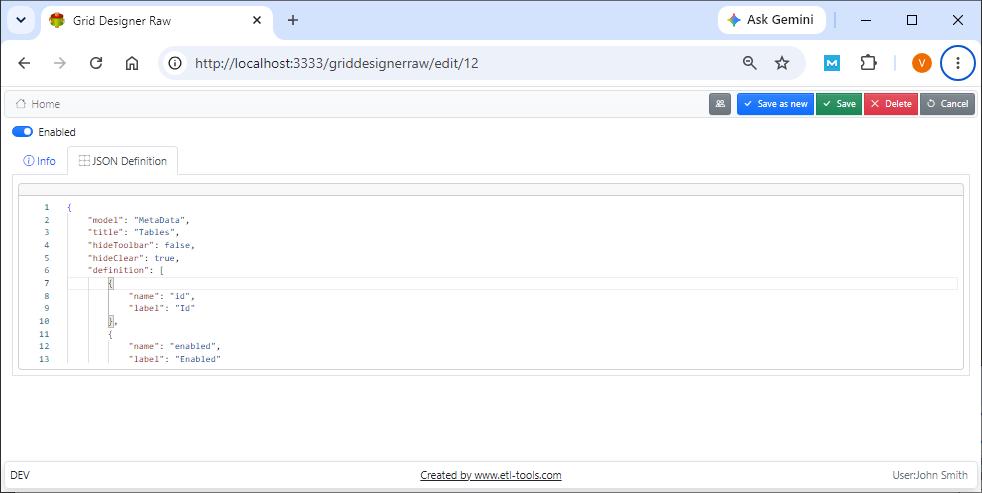
Editing Grid in RAW JSON Format
Note: The result of grid design is stored in JSON format in the database or file system. It is possible to edit JSON directly using RAW editor
Confused? Ask question on our ETL-Tools Support Forum