Mqtt-logger
MQTT Logger Security
There are two ways of running the MQTT Logger with security enabled or disabled.
When security is disabled every one has unlimited access to MQTT Logger, We do not recommend running MQTT Logger with disabled security

Login screen

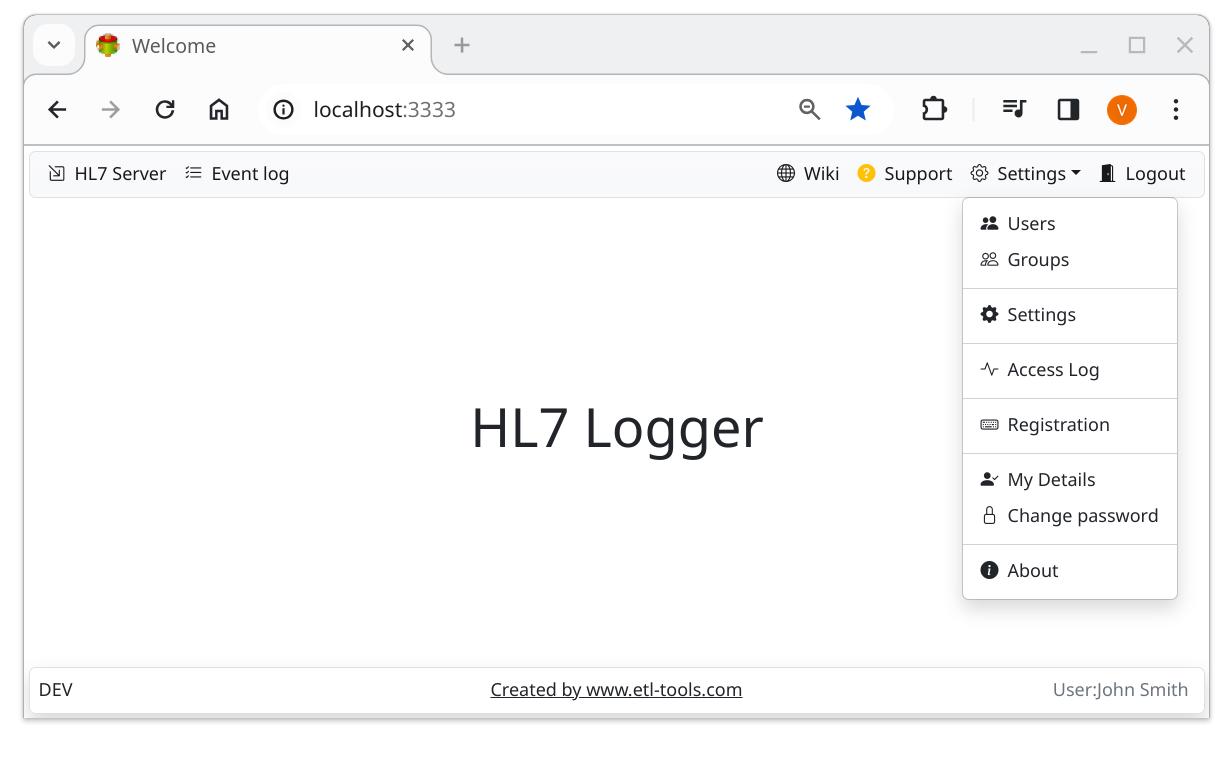
Security is enabled
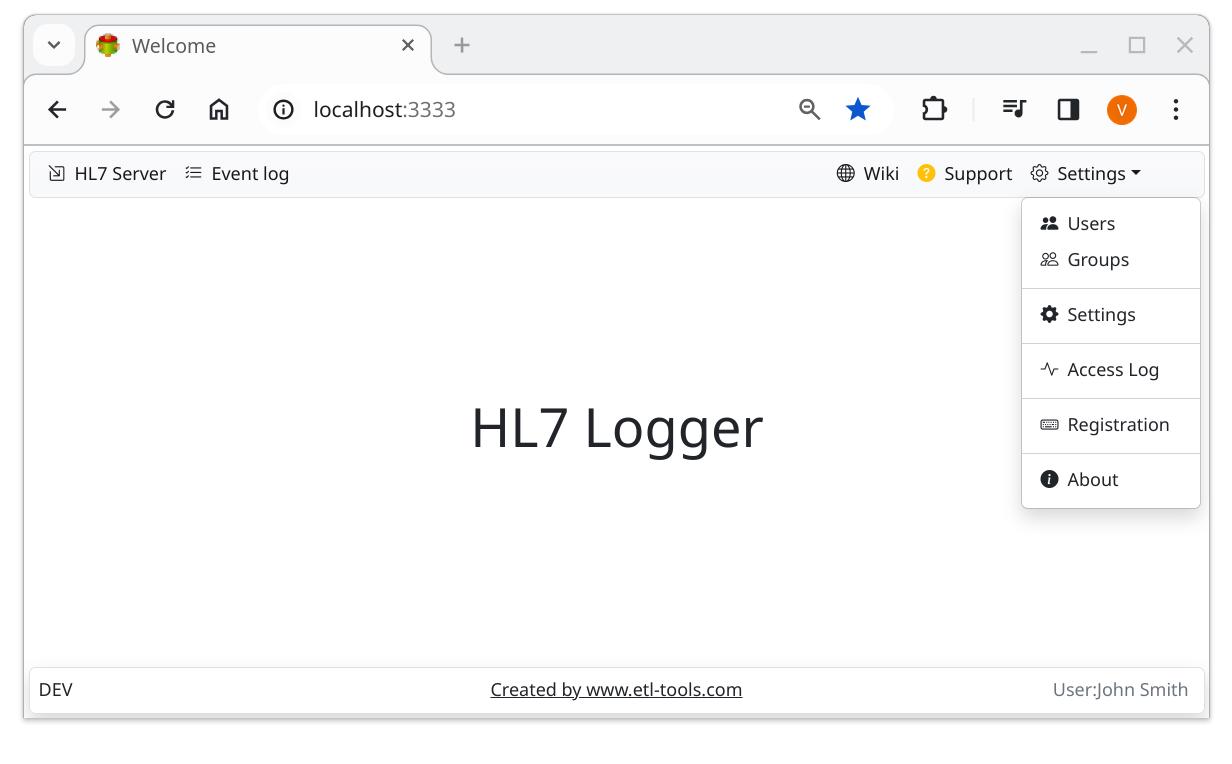
Security is disabled
Password Encryption
The passwords are encrypted using a security key. We recommend changing it immediately after installation
The procedure is as follows
- Disable security
- Update security key
- Restart the logger
- Update users passwords
- Enable security
- Restart the logger
SSL Encryption
We recommend using SSL encryption for network communications
The procedure is as follows
- Generate SSL Certificate
- Copy server.key and server.cer into .env folder
- Enable SSL
- Restart the server
Once started open the following URL in the browser
ENV Folder
Windows
C:\ProgramData\ETL-Tools.com\mqtt-logger\
Linux
/etc/etl-tools.com/mqtt-logger
Confused? Ask question on our ETL Forum