Licensing-server
Licensing Server Installation
Windows
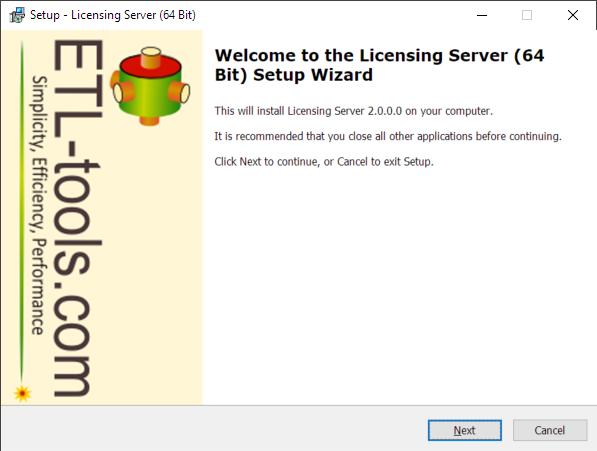
Run setup and follow the wizard steps
Linux
Download the software and run the following commands
sudo apt install ./licensing-server.deb
sudo systemctl enable etl-tools-licensing-server
sudo systemctl start etl-tools-licensing-server
sudo systemctl stop etl-tools-licensing-serverOnce started open the following URL in the browser
The default user name is: welcome@etl-tools.com and the password is Welcome

If it does not work try changing the port
Download Licensing Server
Confused? Ask question on our ETL Forum